
When a Reel depends on an explanation, dialogue is the reference for every other sound. Listen to the voice without music first. Mark changes in distance, background noise and recording level. A mix can feel uneven even when no individual clip sounds obviously broken. Do not start by raising the entire track; identify the specific words or sections that need attention, and keep an untouched copy of the original audio.
Sound design
Premiere Pro Audio Mixing: Keep Dialogue Clear Under Music
Make speech the reference
Balance clips before adding processing
Adjust obvious differences between takes so a quiet sentence does not disappear after a loud one. Listen across each edit, including breaths and room sound. A short fade may soften an abrupt transition, but a fade cannot recreate a missing word. If background noise changes dramatically between shots, consider another take or a cleaner edit point before applying stronger repair. Good source selection often matters more than a complicated effect chain.
Use cleanup conservatively
Reduce distracting noise only as far as the voice stays natural. Compare processed and original audio at a similar listening level; a louder version can seem better simply because it is louder. If consonants become watery or the room disappears unnaturally, back off. Compression and equalization can help particular recordings, but copying a preset without listening can make another voice harsher or less intelligible. Make one change at a time.
Lower music around the words
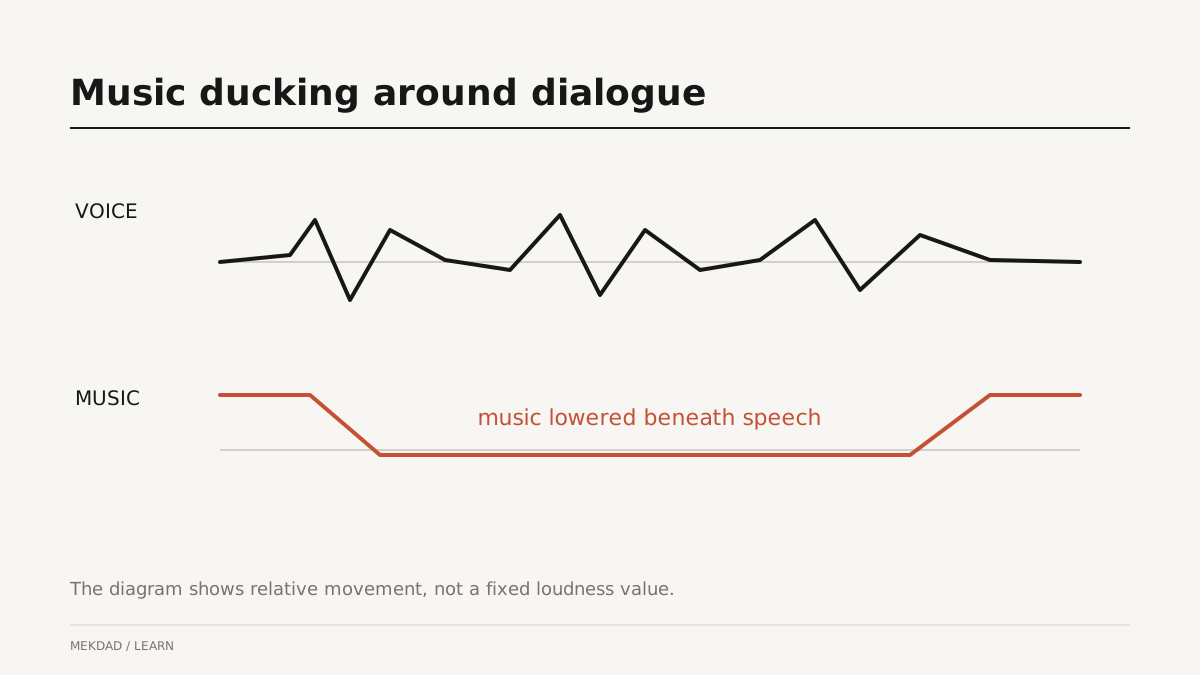
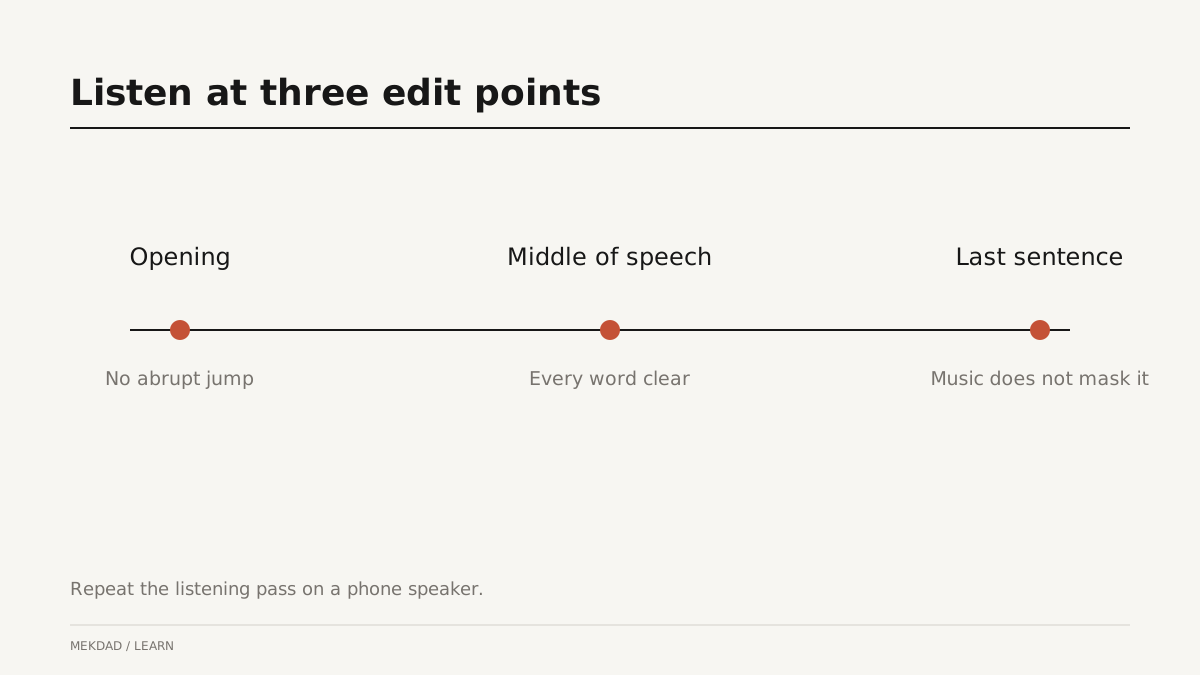
Music ducking means lowering the music when dialogue needs space and letting it rise in useful gaps. Adobe documents automatic ducking in Premiere. Automatic results still need review at phrase boundaries. An aggressive dip on every breath can sound distracting. Adjust transitions so the music follows the passage naturally rather than reacting to each tiny pause. The illustration shows the review sequence; it does not prescribe a universal loudness target.
Place effects after the main balance works
Add a click, transition or impact only after speech and music coexist clearly. Effects often mask the first consonant of an important word when they land at the same moment. Try moving the effect, shortening it or reducing its level. Preserve intentional quiet sections. A dense track can feel impressive on headphones but tiring on a small speaker, especially when every visual change receives another sound.
A practical review sequence
Play the full Reel at a comfortable level, then at a quieter level on a phone. Check whether the explanation remains understandable without adjusting the volume. Listen to the opening and the end of the final export, not only the editing timeline. Confirm that the upload does not create a surprising change. Keep notes by timestamp so you can fix precise moments instead of repeatedly changing the whole mix.
Common audio mixing questions
Is there one correct music level? No; the recording, arrangement and delivery context affect how loud music feels beside speech. Should every noise be removed? Not necessarily: natural room sound can help continuity. Does automatic ducking finish the mix? No, it gives you a starting point to review. Can sound effects replace a weak transition? They may distract briefly, but the picture edit still needs a clear connection.
Deliver a mix that supports the story
Save an editable project and identify the version approved for delivery. Check music and sound-effect permissions for the intended use. For more creative decisions, read sound design for Instagram Reels. When commissioning an edit, send a reference and explain whether you want a quiet conversational style or a more energetic treatment; this makes feedback more useful than simply asking for louder or more cinematic audio.