
A video editing brief should explain the audience, the message and the requested action. Add where the video will appear, which languages it needs and which versions are expected. A vertical Reel, a website film and a presentation extract may use the same footage but need different framing and pacing. Clarifying this before editing helps avoid a finished sequence that must be rebuilt for a different use.
Workflow and delivery
Video Editing Handoff Checklist: Send Footage Your Editor Can Use
Define the deliverable before sending footage
Send original media with stable organization
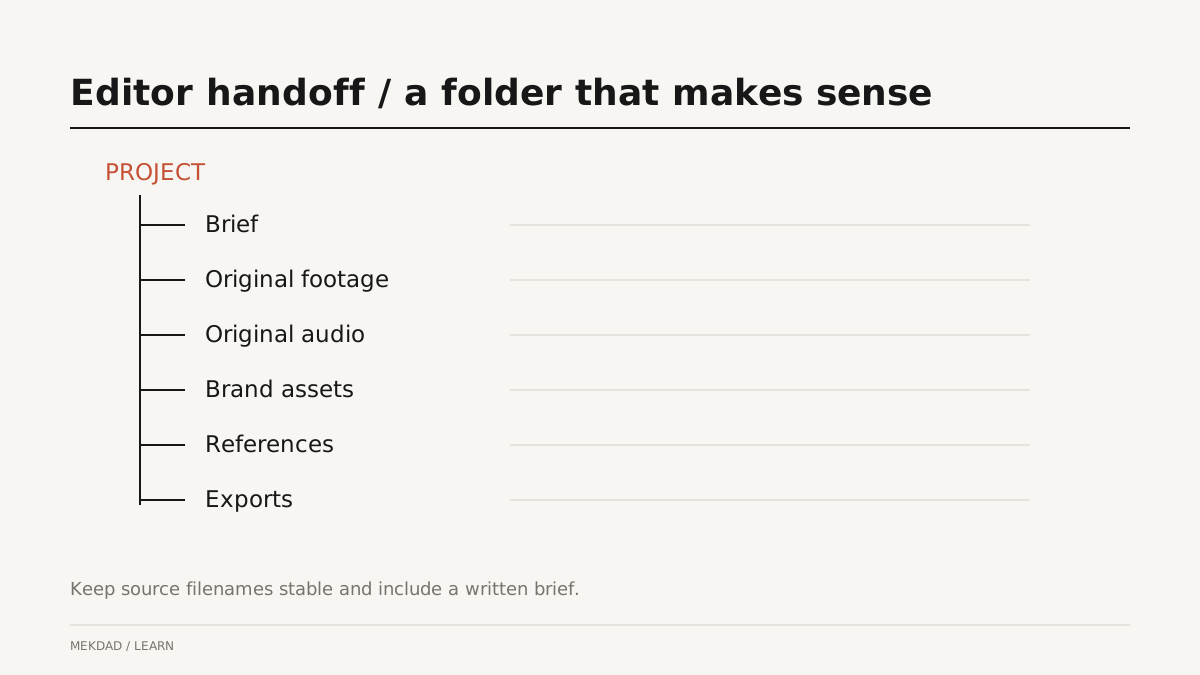
Keep camera files and original audio together in a predictable folder structure. Separate footage, audio, graphics and references, and use names that make sense to someone who was not present during filming. Do not rename files in the middle of an active edit without coordination. Preserve the original folder if the camera created supporting files. A compressed preview is useful for discussion but is not a substitute for the source footage.
Mark the useful takes without deleting context
List preferred takes and important timestamps, especially for long interviews. Explain why a passage matters instead of asking the editor to use every marked section. Include enough context to understand pronouns, claims and the speaker’s meaning. If a line cannot be used publicly, mark the restriction clearly. Keep alternatives available where practical: another take may offer cleaner audio or a better transition into the next thought.
Provide brand materials and useful references
Send the approved logo files, brand colors, typography guidance and any existing graphic assets you are entitled to use. A reference video becomes more helpful when you identify the relevant detail: restrained captions, quiet pacing, a particular type of transition or a clear product demonstration. Asking for an identical copy creates confusion. Describe the intended feeling and communication goal, then allow the editor to adapt those principles to your actual footage.
Choose a review process
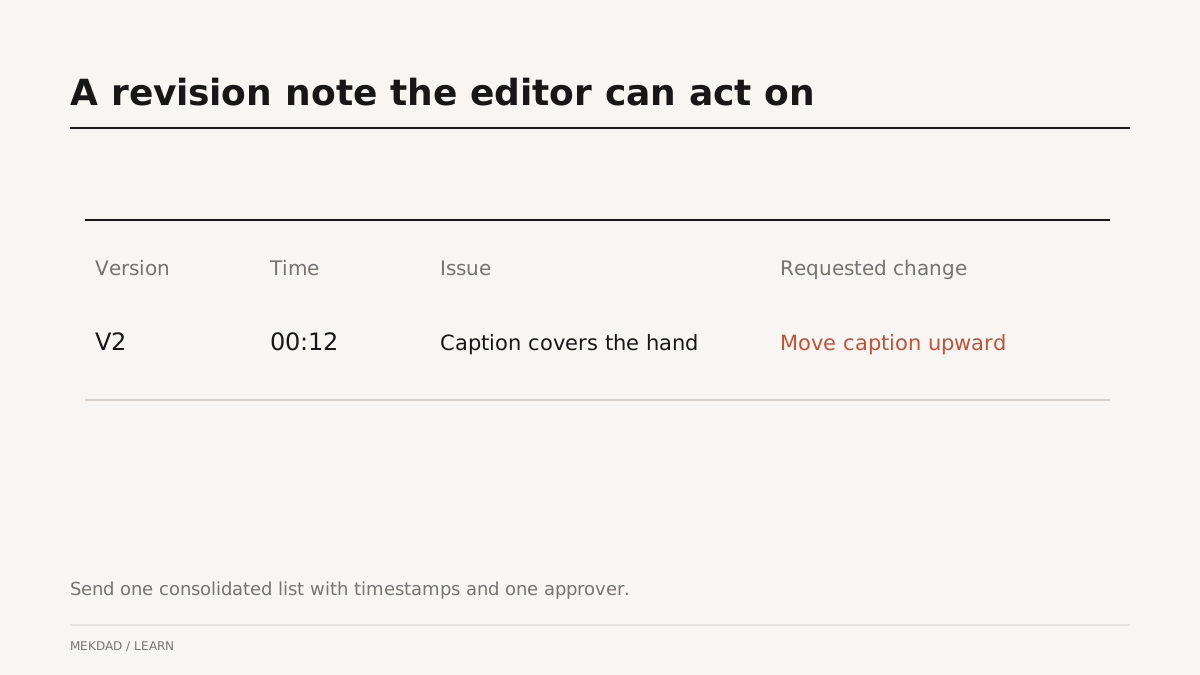
Nominate one person to consolidate feedback before it reaches the editor. Separate corrections from preference changes and from new scope. A wrong product name is a correction; a new scene or extra language version may change the work required. Use timestamps and describe the desired result. Replace make this better with the caption covers the hand at 00:12; move it so the demonstration remains visible. Clear feedback reduces interpretation, not creative discussion.
An example folder and approval flow
A simple project can contain Brief, Footage, Audio, Brand, References and Exports folders. Add a review document with the version name, timestamp, comment and decision. Use one version as the current review copy to prevent contradictory notes on older exports. After approval, identify the final files and archive the editable project according to the agreement. This example is a starting structure; larger productions may require additional media management.
Questions clients often ask
Should I choose the music first? Send direction and restrictions, but allow room for the edit to determine timing. How much footage should I send? Enough context and alternatives for the task, with useful notes; a large unmarked dump makes review harder. Can feedback arrive through several chats? It can, but consolidation helps prevent missed changes. Are project files included? Confirm that in the scope rather than assuming every delivery includes them.
Before your next editing project
Check the brief, media access, permissions, review contact and delivery formats before work starts. Our AI editing workflow guide explains where transcription can speed up preparation. Review editing packages to match the project size with the kind of collaboration you need. Good handoff does not remove creative revisions; it makes those revisions about the video rather than missing files and unclear instructions.