
A portfolio project page should explain whether you can solve a relevant problem. A striking hero image attracts attention, but a prospective client also needs to know what the project was, which part you handled and why the result matters. Start with the audience and brief. If it is a personal concept rather than commissioned work, label it clearly. Specific context builds a more credible case than a collection of impressive but unsupported adjectives.
Brand and healthcare films
Portfolio Case Study Design: Turn a Project Page into Useful Evidence
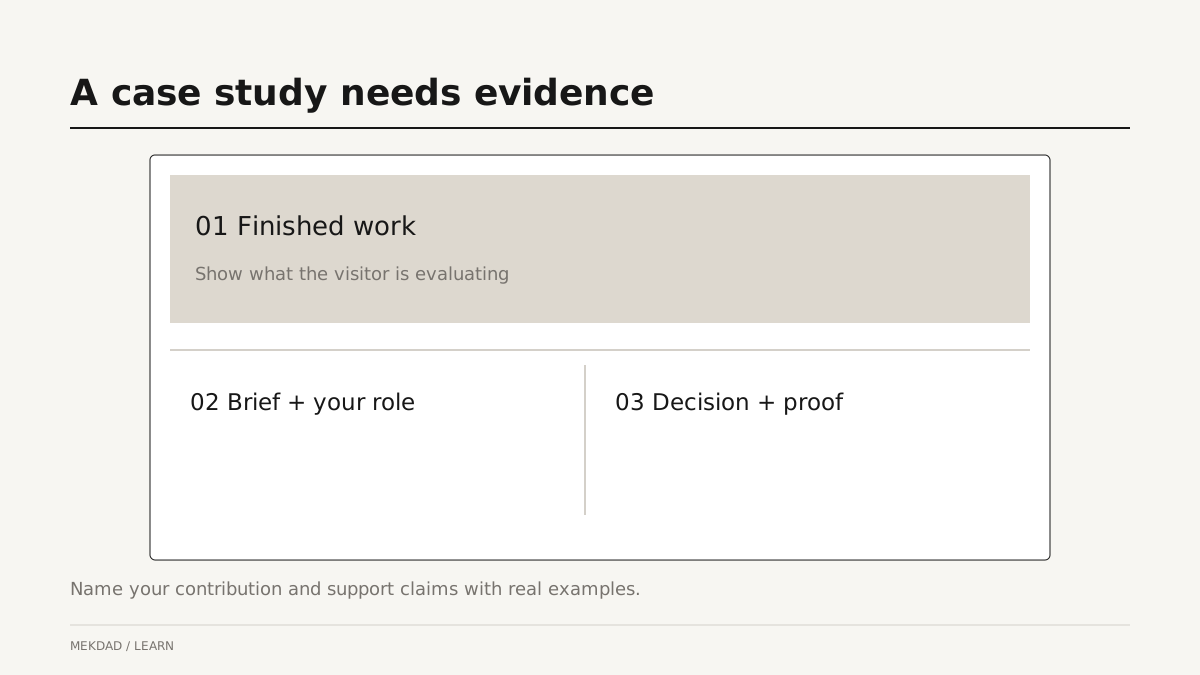
Answer the client’s first question
Separate the outcome from your contribution
State what you delivered and what you were responsible for. Editing, direction, development and production are different contributions. If other people handled parts of the work, credit them appropriately. Describe results only when you have evidence and permission to share them. A completed launch or an approved deliverable is a valid outcome; you do not need to invent conversion growth to make a project worth discussing.
Choose visuals that explain a decision
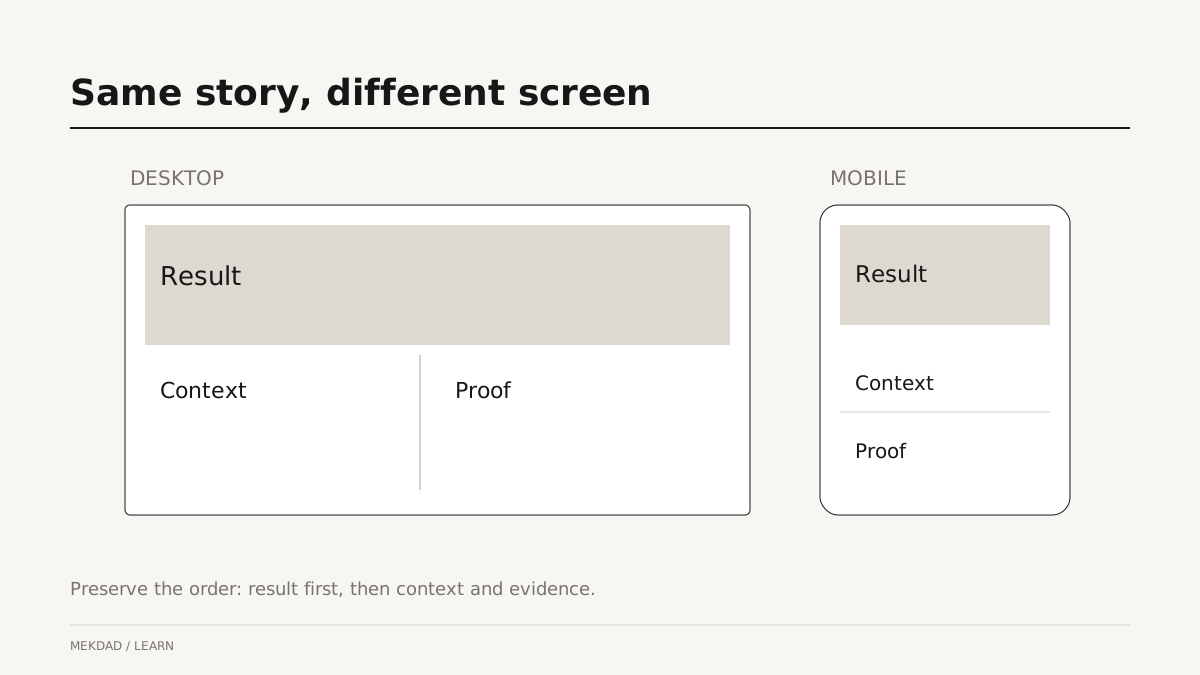
Show the finished result early, then use supporting images to explain one or two meaningful choices. A storyboard can reveal the structure; a before-and-after frame can explain a color decision; a responsive layout comparison can show how information changes on a phone. Add a caption that states what the reader should notice. Several nearly identical screenshots create length without helping the client understand your judgment.
Write the process around constraints
Explain the important constraint, the decision and the tradeoff. For example, a short product film may need to show a mechanism clearly while remaining readable on mobile. You can describe the choice of close-ups and caption placement, then show the result. Avoid a long diary of every tool used. Clients usually need to understand how you make decisions more than the order in which you opened applications.
Keep media from delaying the story
Use image sizes appropriate for the display, provide stable layout space and avoid loading large videos before they are needed. The main text and navigation should remain useful while media loads. Google’s LCP optimization guidance explains why the largest initial content needs timely loading; indiscriminately lazy-loading the hero image can delay it. Test a real phone and an ordinary connection in addition to a fast desktop preview.
Give the reader a relevant next step
A project page can link to related work, a service description or a contact route. Choose the action that matches the reader’s stage. Someone evaluating a similar project may want to discuss scope; someone exploring your style may want another case study. Keep navigation visible and name links plainly. If a button opens a demo, explain that it is a demo so visitors understand what they are about to see.
Questions about portfolio SEO
Should every project target the same keyword? Give each page a distinct subject and title that describe its actual content. How long should a case study be? Long enough to explain the context, decision and evidence without repeating them. Do images need alt text? Describe meaningful images in a way that helps someone who cannot see them; do not fill the description with unrelated keywords. Can private client data be shown? Get permission and remove sensitive material before publication.
A final project-page review
Check the title, role, credits, working media, mobile layout and contact path. Ask someone unfamiliar with the work to explain what you did after reading the page. If they only remember that it looked attractive, add clearer context or evidence. Compare landing pages and business websites, then explore website options when you need a portfolio structure that you can maintain as new projects arrive.